


Taking Control: Own Your UX End-to-End and Automate Your Design Process
Quick Answer: End-to-end UX ownership means controlling the full cycle from user research through design, development, and iteration without losing fidelity at each handoff. Design process automation in 2026 uses AI tools to compress the research-to-production pipeline, eliminating the bottlenecks that traditionally made UX a slow, sequential process. This guide covers how to restructure your UX workflow for speed, reduce handoff waste, and automate the repeatable parts of design work.
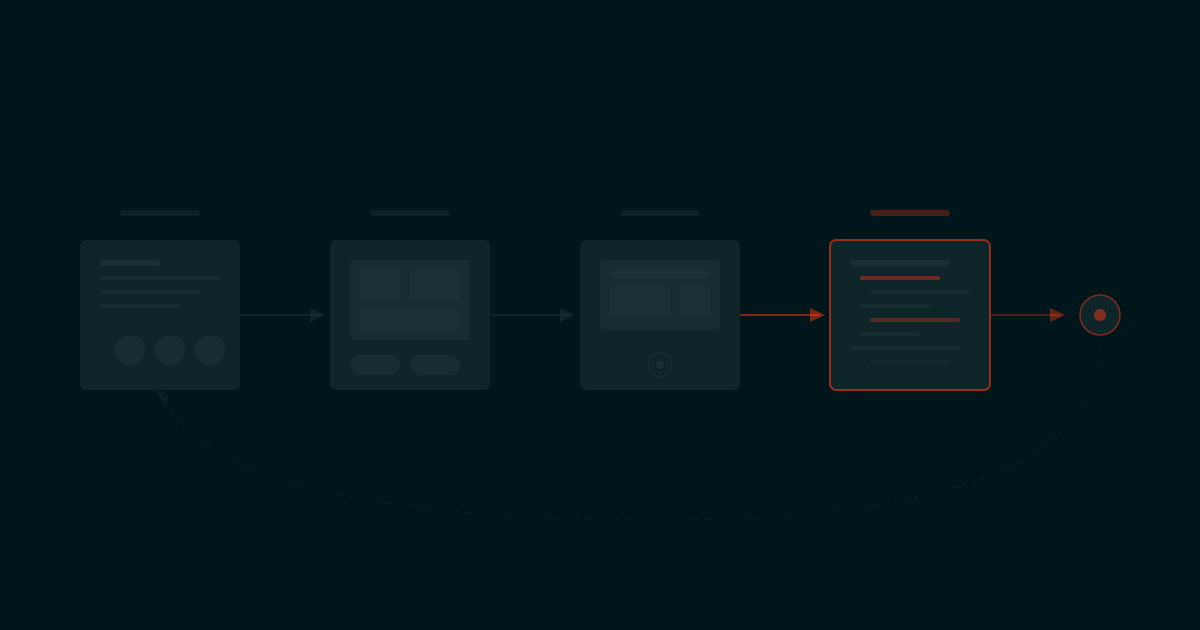
Most product teams don't have a UX problem. They have a UX pipeline problem. The design itself might be fine. The bottleneck is the sequential, handoff-heavy process that turns a 2-hour design decision into a 2-week organizational relay race. Research team does research, hands to product manager, who writes requirements, hands to designer, who creates designs, hands to developer, who builds it, then hands to QA. Each handoff loses context, adds delay, and introduces interpretation drift.
The teams shipping the fastest products in 2026 have collapsed that pipeline. They own UX end-to-end, meaning the same team (or even the same person, with AI assistance) handles research, design, prototyping, and production. They automate the repeatable parts (component generation, responsive variants, design-to-code translation) so human attention focuses on the decisions that actually require judgment.
The Broken UX Pipeline
The traditional UX process was designed for a world where each step required a different specialist with different tools. That world no longer exists.
In the traditional pipeline, a UX improvement takes 6-12 weeks:
- Week 1-2: Research team conducts user interviews and usability tests
- Week 3: Research team writes findings report and presents to stakeholders
- Week 4: Product manager translates findings into requirements
- Week 5-6: Designer creates wireframes and mockups
- Week 7: Design review and stakeholder feedback cycle
- Week 8-9: Designer refines, creates final designs and specs
- Week 10-11: Developer implements designs
- Week 12: QA, bug fixes, launch
In an end-to-end automated pipeline, the same improvement takes 1-3 weeks:
- Day 1-3: Research (AI-assisted interview analysis, automated usability metrics)
- Day 4-5: Design and prototype (AI-generated components, design system compliance)
- Day 6-8: Design-to-code (automated translation, developer review)
- Day 9-10: Deploy, test with real users, iterate
The difference isn't just speed. It's fidelity. Every handoff in the traditional pipeline loses information. The researcher's nuanced finding becomes a bullet point in a report. The product manager's intent becomes a JIRA ticket. The designer's interaction detail becomes a static mockup. By the time the developer builds it, the original user insight has been filtered through 4-5 interpretive layers. End-to-end ownership eliminates those layers.
What End-to-End UX Ownership Looks Like
End-to-end UX ownership doesn't mean one person does everything manually. It means one team (or one person with AI tooling) maintains control of the UX thread from research insight to production code without losing context at handoff points.
The Three Principles
1. Same team, full cycle. The people who understand the user problem are the same people who design and ship the solution. This doesn't require full-stack unicorns. It requires tools that let designers produce code-ready output and developers understand design intent directly.
2. Parallel, not sequential. Research, design, and development happen in parallel, not in sequence. While you're designing one feature, you're already researching the next one and shipping the previous one. AI tools make this parallelism possible because they handle the production work that previously kept designers locked in a sequential workflow.
3. Continuous, not campaign. UX isn't a project with a start and end date. It's a continuous process of observing, designing, shipping, measuring, and iterating. End-to-end ownership treats UX as an ongoing operation, not as discrete projects that require fresh kickoffs each time.
The design evolution framework at Bonanza maps how the UX design discipline has evolved from waterfall-style sequential processes to the continuous, AI-assisted model that's becoming standard in high-performing product teams.
Where to Automate Your Design Process
Not every part of the design process should be automated. The key is automating the high-volume, low-judgment tasks so human attention focuses on the high-judgment decisions that actually shape user experience.
Automate These
- Component generation: Generating standard UI components (buttons, forms, cards, tables) from design system specifications. Figma AI and v0 handle this faster than manual design without sacrificing quality.
- Responsive variants: Creating mobile, tablet, and desktop versions of a design. AI tools can generate responsive layouts that follow your design system's breakpoint rules automatically.
- Design-to-code translation: Converting Figma designs into production React/CSS code. Tools like Figma Make and Locofy reduce the translation gap that traditionally required developers to re-implement every design from scratch.
- Usability testing analysis: Transcribing, coding, and synthesizing user interview recordings. AI can process 10 user interviews in 30 minutes and surface the key themes, which would take a researcher 2-3 days manually.
- Design system compliance checking: Verifying that new designs adhere to the established design system. Automated checks catch spacing violations, color misuse, and typography inconsistencies before they reach development.
- Copy generation: Writing UI copy (button labels, error messages, onboarding text) that follows your voice and tone guidelines. Claude with a style guide prompt generates contextually appropriate copy faster than waiting for a copywriter to schedule the work.
Don't Automate These
- User research strategy: Deciding which questions to ask and which users to interview requires human judgment about business context and strategic priorities.
- Information architecture: The structural decisions about how content and features are organized require understanding of user mental models that AI can't reliably replicate.
- Interaction design for novel patterns: When you're designing something users haven't seen before, human creativity and empathy are essential. AI can generate variations of known patterns, but it can't invent genuinely new interaction paradigms.
- Ethical and accessibility decisions: Decisions about inclusive design, accessibility compliance, and ethical implications of design choices require human judgment and accountability.
The 2026 Design Automation Stack
| Workflow Stage | Tool | What It Automates | Time Savings |
|---|---|---|---|
| Research analysis | Claude + Dovetail | Interview transcription, theme extraction, insight synthesis | 80% faster analysis |
| Wireframing | Figma AI + v0 | Layout generation, component placement, content structure | 60% faster wireframing |
| Visual design | Figma AI + Midjourney | Component styling, illustration, visual asset generation | 50% faster design production |
| Prototyping | Figma + Lovable | Interactive prototypes, functional demos | 70% faster prototyping |
| Design-to-code | Figma Make + Cursor | HTML/CSS/React generation from designs | 60% faster implementation |
| Copy | Claude | UI copy, microcopy, error messages | 90% faster copy production |
| QA | Chromatic + Playwright | Visual regression testing, interaction testing | 80% faster QA |
Total cost for the full stack: under $150/month per designer. Compare that to the salary cost of additional team members who would be needed to achieve the same output without automation.
Eliminating the Design-Dev Handoff
The design-to-development handoff is where the most value is destroyed in traditional UX workflows. Designers create pixel-perfect mockups. Developers interpret them. The result is never quite what the designer intended because static design files can't communicate interaction behavior, edge cases, or responsive logic with full fidelity.
Three approaches are eliminating this handoff in 2026:
1. Designers Who Code
With tools like Cursor and v0, designers can produce production-quality code from their designs without learning traditional software engineering. The designer creates the component in Figma, uses v0 to generate the React code, refines it in Cursor, and pushes it directly to the repository. No developer handoff needed for UI components.
2. Design Tokens as the Contract
Design tokens (spacing values, colors, typography scales, breakpoints) serve as the machine-readable contract between design and development. When both Figma and the codebase reference the same token system, changes propagate automatically. A designer updates a spacing token in Figma, and the code reflects the change without any developer intervention.
3. Component Libraries as the Single Source
When the design system component library in Figma and the component library in code are synchronized (through tools like Storybook + Figma integration), design and development share the same building blocks. New designs compose existing components, and the developer's job shifts from "implement this design" to "compose these existing components in this new arrangement." The implementation time drops from days to hours.
Bonanza's UX innovation service builds this synchronized design-to-code pipeline as part of every engagement, so the handoff problem doesn't recur after the initial build.
Workflow Blueprint: From Research to Production
Here's a concrete workflow that takes a UX improvement from user insight to production in 10 business days.
- Day 1-2: Research Sprint. Analyze existing analytics data with Claude. Identify the top 3 user friction points by quantitative signal (drop-off rates, error rates, support ticket themes). Conduct 5 rapid user interviews (30 minutes each). Use Claude to synthesize findings into actionable insight cards.
- Day 3: Design Sprint. Take the top friction point. Generate 3 design options using Figma AI. Review against design system constraints. Select the strongest option and refine. Produce a clickable prototype in Figma.
- Day 4-5: Test and Iterate. Run 5 quick usability tests on the prototype (15 minutes each). Use Claude to analyze the recordings. Iterate the design based on findings. Finalize the design with full responsive variants.
- Day 6-7: Build. Generate production code from the design using Figma Make and Cursor. Review and refine the code. Connect to the backend. Write automated tests.
- Day 8-9: Deploy and Monitor. Ship to production behind a feature flag. Enable for 10% of users. Monitor real-time analytics for the targeted friction metric.
- Day 10: Evaluate. Compare the friction metric for users who saw the new design vs. the control group. If the improvement is statistically significant, roll out to 100%. If not, analyze why and iterate.
This 10-day cycle replaces a 12-week traditional process. It works because automation handles the production work (component generation, code translation, variant creation) and the team focuses on the judgment work (which problem to solve, how to solve it, whether the solution works).
Scaling Design Without Scaling the Team
The traditional approach to scaling design output is hiring more designers. The end-to-end automated approach is making each designer more productive.
A single senior designer with the 2026 automation stack described above can produce the output that required 3-4 designers in 2022. That's not because the work is lower quality. It's because the automation handles the production tasks (creating variants, generating code, maintaining the design system) that consumed 60-70% of a designer's time.
The remaining 30-40% of a designer's time, the judgment-intensive work of understanding users, making design decisions, and evaluating outcomes, is what determines design quality. Automation doesn't touch that work. It just removes the production overhead that prevented designers from spending more time on it.
For product teams scaling from startup to growth stage, this means you can delay your next design hire by 12-18 months while maintaining or increasing design output. The investment shifts from headcount to tooling and training: give your existing designers the automation stack and the training to use it effectively.
FAQ
Does design automation reduce design quality?
It increases quality for the average output while potentially limiting peak creativity. Automated component generation produces consistent, design-system-compliant outputs every time, which eliminates the quality variation that comes from manual production (especially when junior designers handle production tasks). The creative ceiling may be slightly lower for truly novel design work, but the quality floor is significantly higher for routine production. For most product teams, raising the floor matters more than raising the ceiling.
How do I convince my team to adopt end-to-end UX ownership?
Start with a time audit. Have designers track how they spend their time for two weeks. Most will find that 60-70% goes to production tasks (creating variants, preparing specs, attending handoff meetings) and only 30-40% goes to actual design decisions. Present the automation stack as a way to reclaim that 60-70% for design work. The pitch isn't "we're replacing designers with tools." The pitch is "we're freeing designers from production work so they can design more."
What skills do designers need to work in an end-to-end automated workflow?
Three additions to the traditional UX skill set: (1) basic coding literacy, specifically enough to evaluate AI-generated code and make small adjustments (HTML, CSS, basic React), (2) prompt engineering for AI design tools, specifically how to get Figma AI and Claude to produce outputs that match your design intent, and (3) data literacy, specifically the ability to read analytics dashboards and interpret A/B test results without a data analyst as intermediary. None of these require deep technical expertise. A designer can acquire working proficiency in all three within 2-3 months of practice.
What about accessibility in an automated design workflow?
Accessibility is one area where automation is genuinely helpful. Automated accessibility checking tools (Axe, WAVE, Figma accessibility plugins) catch contrast violations, missing alt text, focus order issues, and ARIA problems that human reviewers often miss in manual QA. The key is building accessibility checks into the automated pipeline so they run on every design change, not just at the end of a project. AI can also generate accessible color palettes, suggest semantic HTML structure, and flag interaction patterns that would fail keyboard navigation, all before a human reviewer spends time on accessibility audit.
How does this approach work for large enterprise design teams?
Large teams benefit from end-to-end ownership at the squad level rather than the individual level. Each product squad (4-6 people including design, engineering, and product) owns the full UX cycle for their product area. Automation handles cross-squad consistency through shared design tokens, automated design system compliance, and centralized component libraries. The central design team's role shifts from producing designs to maintaining the design system, building the automation pipeline, and coaching squad-level designers on the tools and processes.
About the Author
Behrad Mirafshar is the CEO and Founder of Bonanza Studios. He leads a senior build team that co-creates AI businesses with domain experts, combining venture partnerships with a product portfolio that includes Alethia, OpenClaw, and Sales Assist. 60+ companies. 5/5 Clutch rating. Host of the UX for AI podcast.
Connect with Behrad on LinkedIn
Want to see end-to-end UX ownership in practice? The design evolution framework maps how UX teams are restructuring for speed. The UX innovation service at Bonanza Studios builds the automated design-to-code pipeline that makes end-to-end ownership practical for product teams at any scale.
.webp)
Evaluating vendors for your next initiative? We'll prototype it while you decide.
Your shortlist sends proposals. We send a working prototype. You decide who gets the contract.


